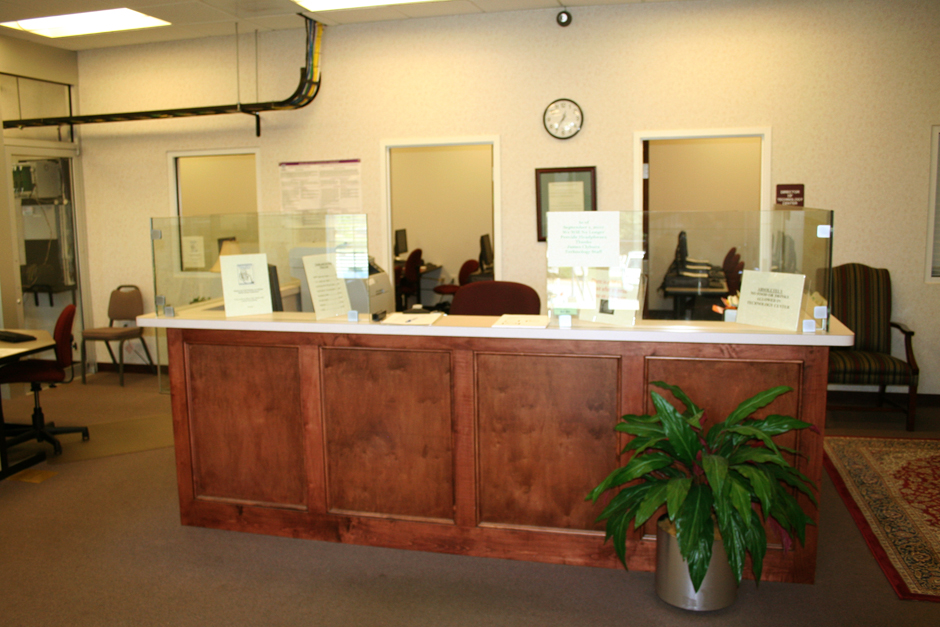
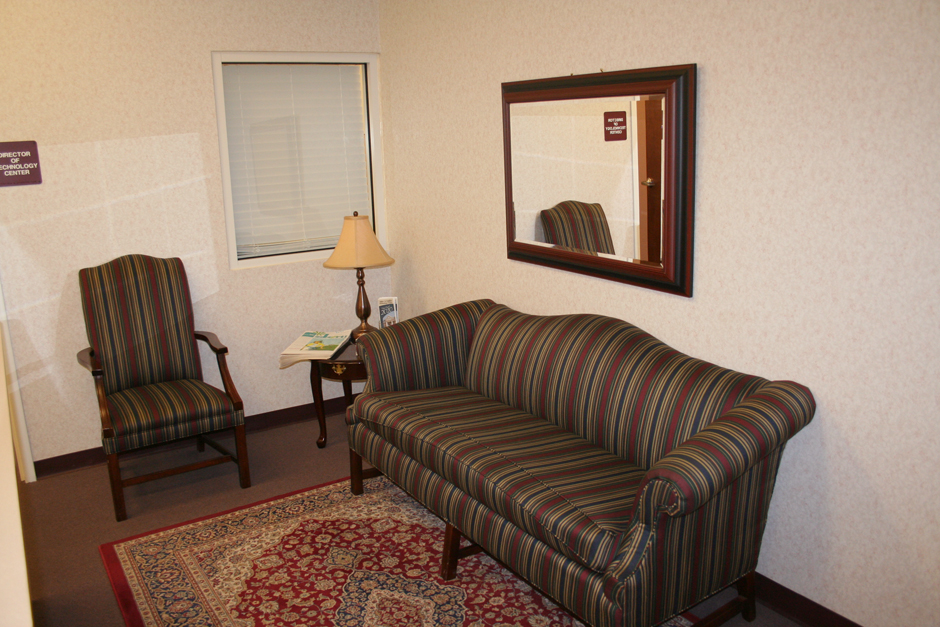
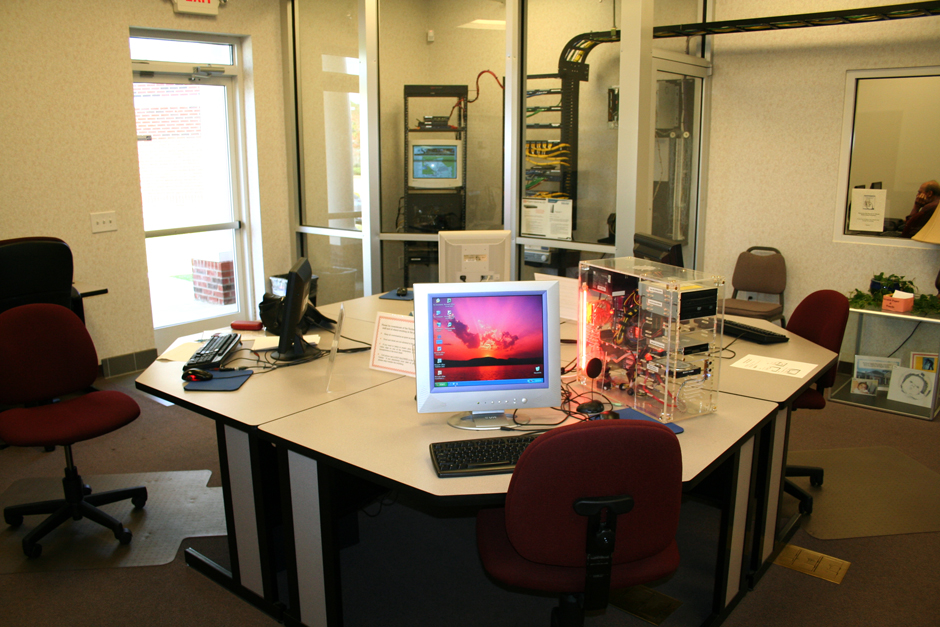
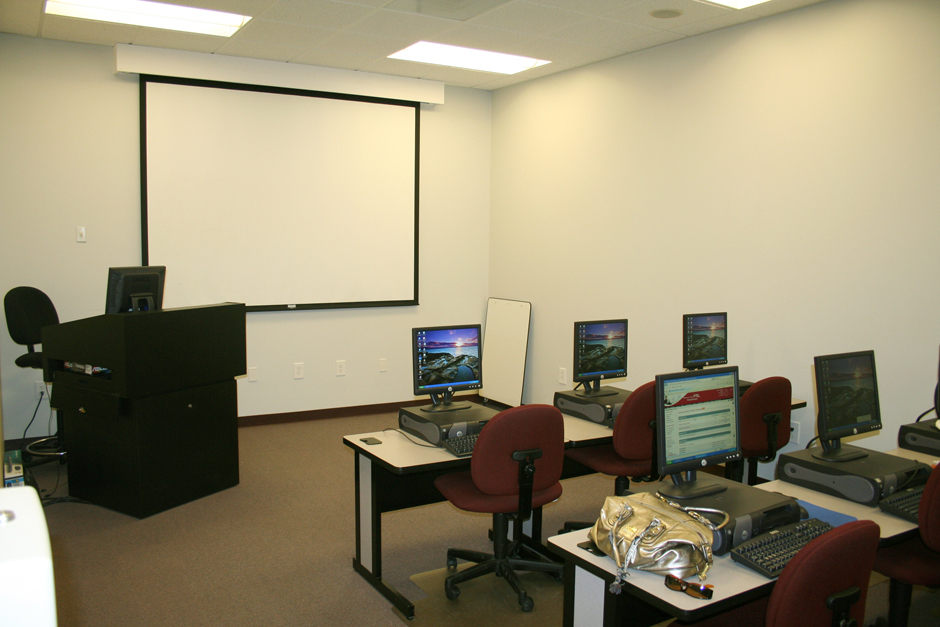
James E. Clyburn Technology Center
Hours of Operation
Sunday: Closed
Monday: 10:00 am-6:00 pm
Tuesday: 10:00 am-6:00 pm
Wednesday: 10:00 am-6:00 pm
Thursday: 10:00 am-6:00 pm
Friday: 9:00 am-5:00 pm
Saturday: Closed
Directions
7492 Parklane Road
Columbia, SC 29223
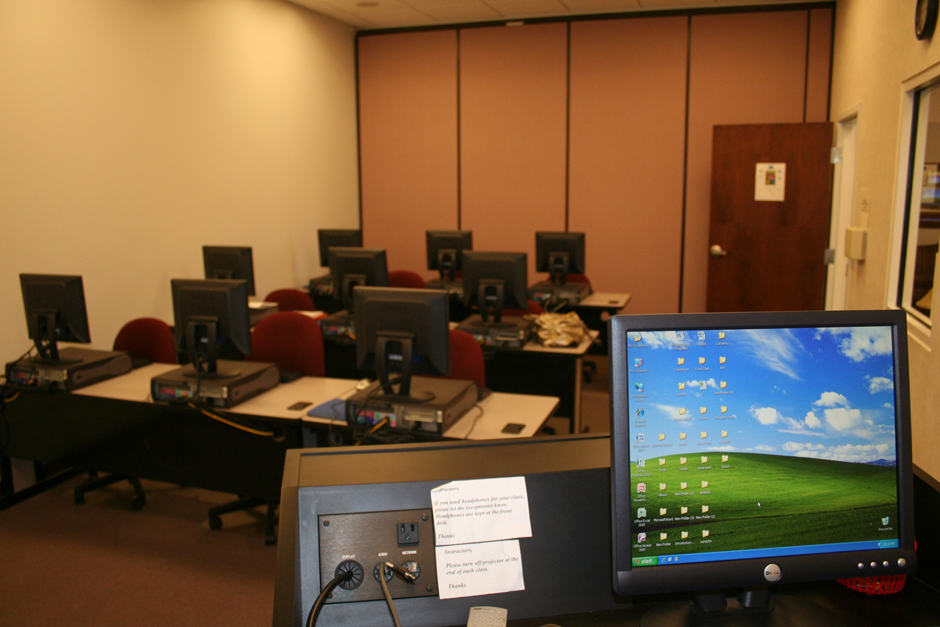
The Technology Center is one of the few places that offers free public internet access and use of computers and software. Classes are available for ages 16+ and are offered at several different times and days, to fit anyone’s busy schedule. Whether on the hunt for a job or brushing up on the latest version of Microsoft products, our instructors are knowledgeable and professional. Classes are small to maximize learning potential for each student. Make sure to check out the classes or call the center to find out how to get started today!

UPCOMING CLASSES
Android Basics for Seniors
Learn how to make the most of your Android phone (ex: Samsung, Google Pixel, Motorola, etc.) in this easy, hands-on class designed just for seniors! We’ll cover all the essentials — from making calls and sending texts to adjusting settings, using the camera, and downloading apps. We’ll practice using Android-specific apps such as the calendar, reminders, Alexa, etc. Bring your Android phone and your questions! Participants will need a smartphone that operates on Android to participate. The course will take place once a week for 4 consecutive weeks.
Date: Monday, January 12-February 9 Ages: 50+ Time: 2:00 pm-3:00 pm Fee: $0
Date: Thursday, February 19-March 12 Ages: 50+ Time: 10:00 am-11:00 am Fee: $0
Date: Monday, March 23-April 20 Ages: 50+ Time: 2:00 pm-3:00 pm Fee: $0
Computer Basics: PC/Windows
This is an introductory course designed to help senior citizens feel comfortable and confident using a personal computer. Participants will learn the fundamentals of operating a Windows PC, including how to navigate the desktop, manage files and folders, use the taskbar and Start menu, and adjust basic settings. The class also introduces common applications such as File Explorer, Notepad, and Paint, along with tips for simple troubleshooting. With a relaxed, supportive atmosphere and plenty of hands-on practice, this class makes learning computers easy, enjoyable, and empowering. Participants are welcome to bring their own laptops (must have a Windows operating system).
Date: Thursday, January 15-February 5 Ages: 50+ Time: 10:00 am-11:00 am Fee: $0
Date: Thursday, February 23-March 16 Ages: 50+ Time: 1:00 pm-2:00 pm Fee: $0
Create a Family Newsletter with Canva
Stay connected with loved ones by creating a beautiful, personalized family newsletter! In this beginner-friendly class, you’ll learn how to use Canva’s free online tools to design and share a monthly or seasonal newsletter. We’ll guide you step-by-step—from choosing a template and adding photos to writing updates and emailing or printing your finished piece. No design or tech experience needed. Participants must have an email account (any platform) to participate. Please call us if you need help setting up an email account.
Date: Friday, February 13 Ages: 50+ Time: 10:00 am-11:30 am Fee: $0
Date: Friday, May 22 Ages: 50+ Time: 10:00 am-11:30 am Fee: $0
Create a Website with Canva
Learn how to design your own simple, professional-looking web page using Canva, an easy-to-use online design tool. In this beginner-friendly class, participants will explore templates, add text and images, and customize their pages to showcase personal projects, hobbies, or events. No web design experience is needed, and one-on-one assistance will be provided as needed.
Date: Friday, April 24 Ages: 18+ Time: 10:00 AM-12:00 PM Fee: $0
Date: Friday, May 18 Ages: 18+ Time: 10:00 AM-12:00 PM Fee: $0
Create an Event Flyer with Canva
Learn how to design eye-catching flyers for events, announcements, or personal projects using Canva, a free and easy-to-use online design tool. In this beginner-friendly class, you’ll discover how to choose templates, add text and images, and personalize your designs. No design experience necessary. A basic familiarity with computers is recommended, but not required. Individual assistance will be available throughout the class to ensure everyone feels confident and supported. Participants will need an email address. Call ahead if assistance is needed.
Date: Thursday, February 12 Ages: 50+ Time: 10:00 am-11:30 am Fee: $0
Date: Friday, April 17 Ages: 50+ Time: 10:00 am-11:30 am Fee: $0
Cybersecurity Workshop
This workshop will equip participants with the skills and knowledge needed to understand what cyber risks are, their impact on their business, how to detect cyber attacks, and the best ways to avoid such risks.
Date: Friday, February 27 Ages: 50+ Time: 10:00 am-11:30 am Fee: $0
Date: Friday, May 21 Ages: 50+ Time: 10:00 am-11:30 am Fee: $0
Google Suite Series
In this 8-week series, participants will learn the essentials of the Google Suite platform, including Gmail, Google Drive, Google Docs, and Google Slides. These programs work much like Microsoft Outlook, Word, and PowerPoint, making them easy to understand and use. Throughout the course, participants will create their own Gmail account and gain hands-on experience using each tool to organize files, write documents, and design presentations. By the end of the series, learners will feel confident navigating and using Google’s powerful online tools for everyday tasks.
Date: Wednesday, March 11-April 29 Ages: 18+ Time: 1:00 pm-2:30 pm Fee: $0
Date: Thursday, March 19-May 14 Ages: 18+ Time: 9:30 am-11:00 am Fee: $0
Internet Basics
Learn how to navigate the online world with confidence! This friendly, hands-on class will cover the essentials of using the internet safely and effectively — from browsing websites and using search engines to setting up email and recognizing online scams. Perfect for beginners, this class moves at a comfortable pace with plenty of time for questions and practice.
Date: Friday, January 30 Ages: 50+ Time: 10:00 am-11:30 am Fee: $0
Date: Friday, March 27 Ages: 50+ Time: 10:00 am-11:30 am Fee: $0
Introduction to LinkedIn
This course will introduce the LinkedIn platform and tips/tricks for presenting a professional profile. Participants will create an account, learn the basics of editing their profile, and learn about successful tips/tricks. It’s recommended that participants have an intermediate understanding of computers before class, but not required.
Date: Friday, March 13 Ages: 18+ Time: 10:00 am-11:30 am Fee: $0
Date: Monday, May 4 Ages: 18+ Time: 1:00 pm-2:30 pm Fee: $0
iPhone Basics for Seniors
Learn how to make the most of your iPhone in this easy, hands-on class designed just for seniors! We’ll cover all the essentials — from making calls and sending texts to adjusting settings, using the camera, and downloading apps. We’ll practice using iPhone-specific apps such as the calendar, reminders, health, Siri, etc. Bring your iPhone and your questions! Participants will need an iPhone or iPad to participate. The course will take place once a week for 4 consecutive weeks.
Date: Monday, January 12-February 9 Ages: 50+ Time: 1:00 pm-2:00 pm Fee: $0
Date: Thursday, February 19-March 12 Ages: 50+ Time: 9:00 am-10:00 am Fee: $0
Date: Thursday, March 23-April 20 Ages: 50+ Time: 1:00 pm-2:00 pm Fee: $0
Keyboarding
Touch typing is a valuable skill for career readiness and life. During this hour-long session, participants will be able to use JCTC computers to navigate a free, online typing program and practice typing skills with staff guidance. No formal instruction will be given, but JCTC staff will help participants sign up for and navigate the typing program, as well as quickly review 1-2 keyboarding shortcuts.
Date: Tuesday & Thursday Ages: 10+ Time: 3:30 pm-4:30 pm Fee: $0
MacBook Basics
Learn how to use your MacBook with confidence in this beginner-friendly class. Participants will explore essential features, including navigating the desktop, managing files and folders, using apps, and connecting to the internet. No prior experience is needed—step-by-step guidance and one-on-one assistance will be provided. However, participants will need to bring their own MacBook or macOS operating device.
Date: Wednesday, May 6-May 27 Ages: 50+ Time: 1:00 pm-2:30 pm Fee: $0
Microsoft Suite Series
Want to improve your Microsoft Word skills? Join us for a friendly, hands-on class designed to help older adults become more confident using essential computer programs like Microsoft Word, Excel, PowerPoint, and Outlook email. This class will meet once a week for 8 weeks; each class will build upon the previous lesson. The class will move at a comfortable pace with step-by-step guidance, plenty of practice time, and patient support-perfect for beginners!
Date: Wednesday, January 14-March 4 Ages: 50+ Time: 1:00 pm-2:30 pm Fee: $0
One-on-One Technology Support for Seniors
Do you wish you could get individual support with technology? We’re here to help! Schedule a 30-minute appointment at the technology center, and one of our staff members will sit with you to assist with whatever technology questions you may have. Any basic computer or phone skills apply, such as how to save/move files, open files, use an app, or create a document. This is a safe space to ask questions. Advanced requests, like coding or computer repair, are not advised.
Date: During center Hours Ages: 50+ Time: During center Hours Fee: $0
YouTube 101
Discover how fun and easy it can be to explore the world of YouTube! In this beginner-friendly class, you’ll learn how to find and watch videos on any topic that interests you—music, cooking, travel, exercise, and more. We’ll cover how to search safely, subscribe to channels, create playlists, and adjust settings like captions and playback speed. You’ll also learn tips for recognizing and avoiding scams or misleading videos. This class is perfect for seniors who want to enjoy YouTube with confidence, stay entertained, and even use it as a tool for learning new things. No experience required—just bring your curiosity!
Date: Friday, January 16 Ages: 50+ Time: 10:00 am-11:30 am Fee: $0
Date: Friday, May 8 Ages: 50+ Time: 10:00 am-11:30 am Fee: $0

Meeting Rooms
For more rental information, please contact Connie Reaves at (803) 741-7272 ext. 104.
Serving the Community Volleyball Camp
Richland County Recreation is partnering with Allen University's volleyball team to host a volleyball camp at the Crane Creek Gym on Wednesday, February 4 from 6:00-9:00 pm!
The Pine Grove Rosenwald School Heritage Celebration
You're invited to join us for an important Black History Program on Saturday, February 14, 2026, from 11:00 am-2:00 pm at the Pine Grove Community Center!